Sales Documents
After you have printed your progress billing, you can select to have an actual Sales Order or Sales Invoice created by clicking Make Sales Document button from Process tab on ribbon. ProjectPro will create either a Sales Order/Invoice or Sales Credit Memo depending on value determined within the billing line items. If you had a high enough credit sales line item, you may have enough credits with in this billing period to generate a Credit Memo instead of an actual Sales Invoice.
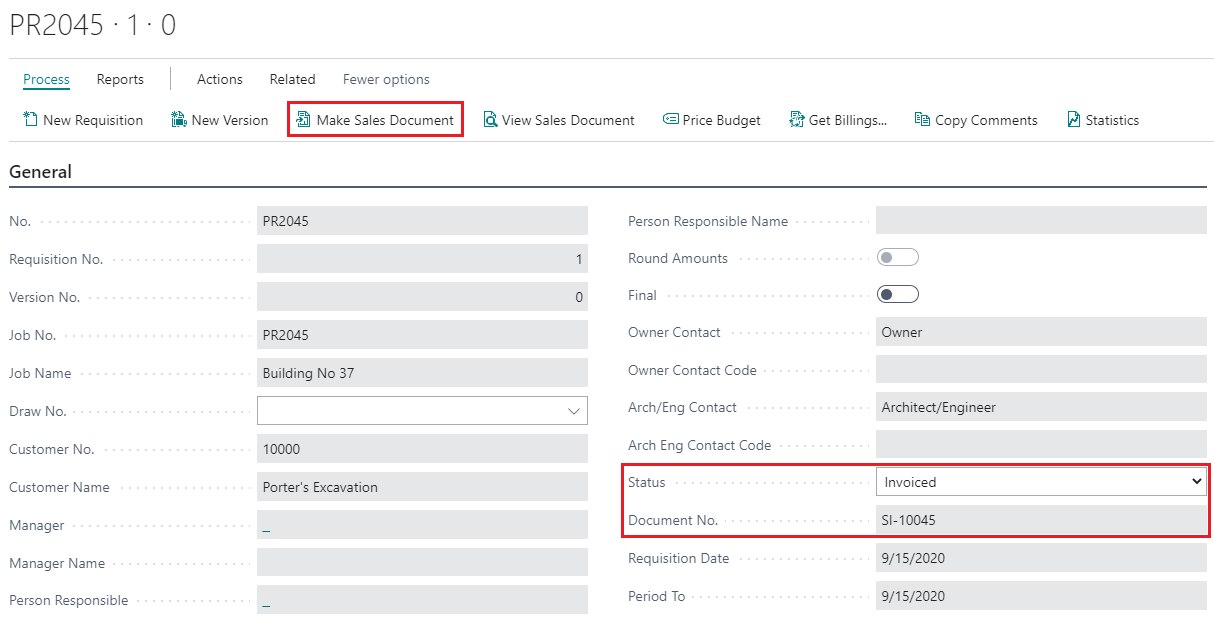
After the creation of the above Sales Invoice, you can then click View Sales Document from Process tab on ribbon. The document that ProjectPro takes you to depends on the initial progress billing setup to create either “Sales Order” or “Sales Invoice”.
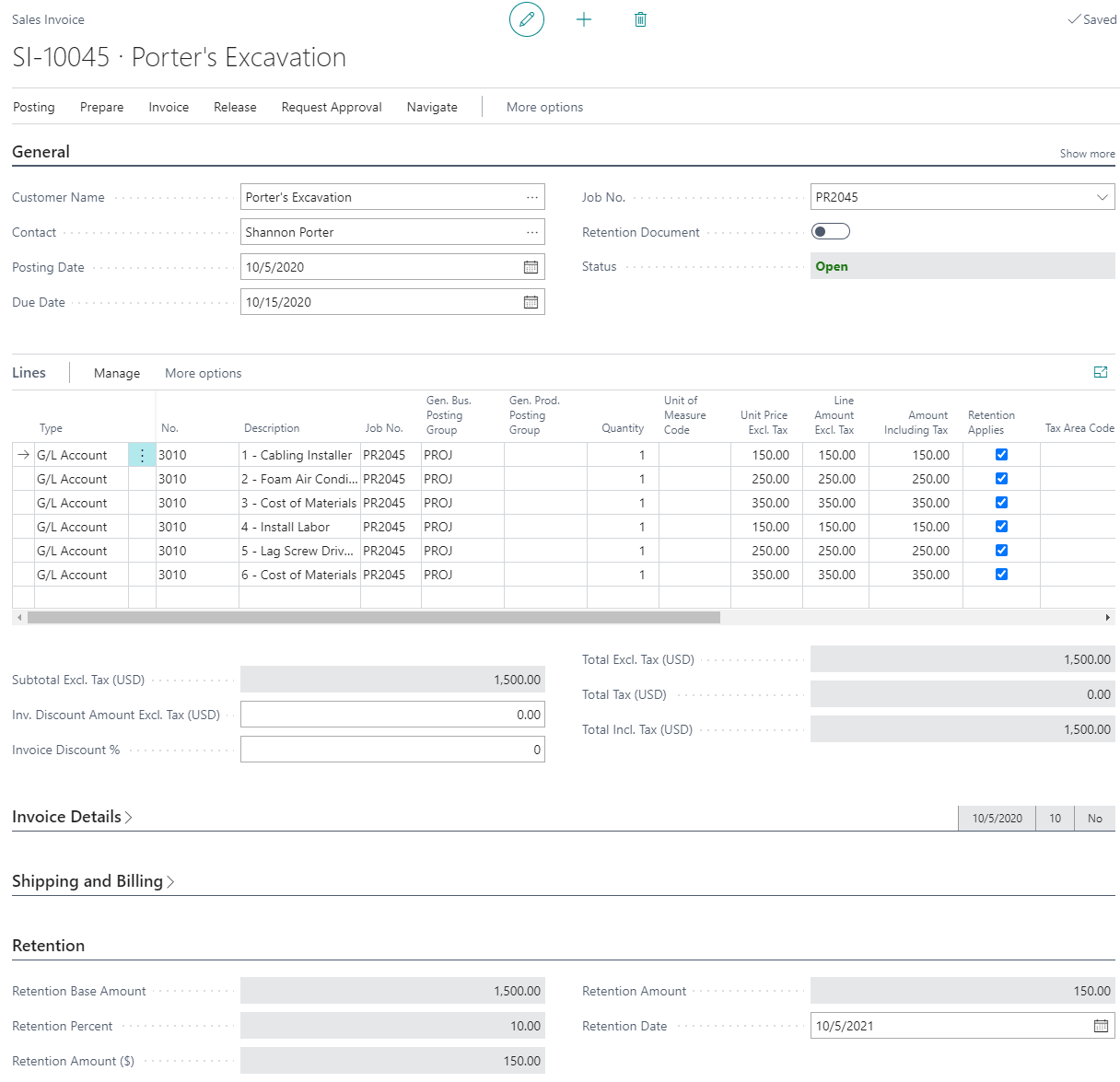
Below is a Sales Invoice created from the progress billing for this Job including 10% retention and line items with quantity for work completed to date.