
Progress Billings Samples
In order to create a Progress Billing, there is specific information that needs to be created on the Job card.
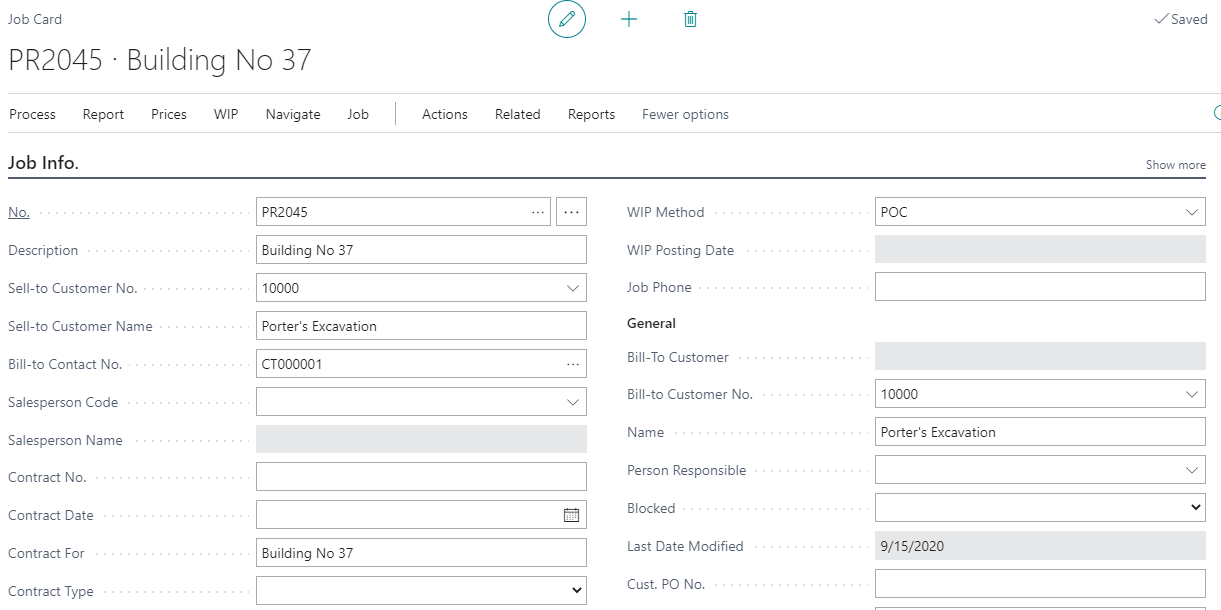
Under Process ? Job Contacts, the Contact names and address information that is available to print on the AIA Documents.
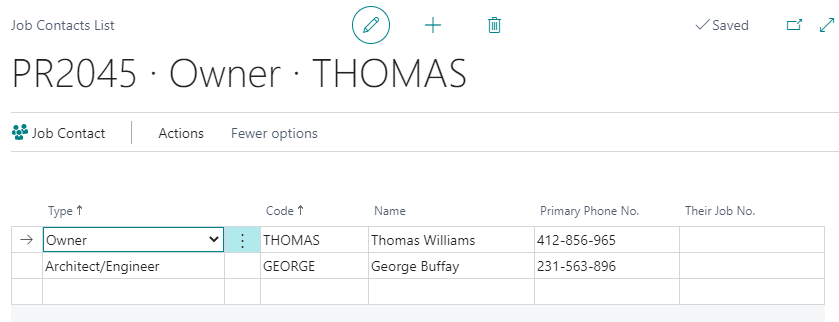
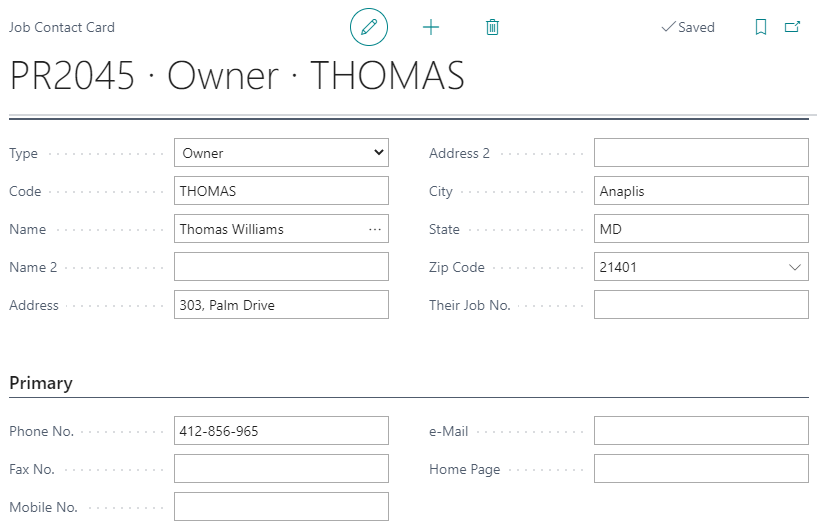
One you have selected the type of Contact that applies to this Job, then click on Job Contact button at the top of the screen. This will open the form to insert all the Contact Information.
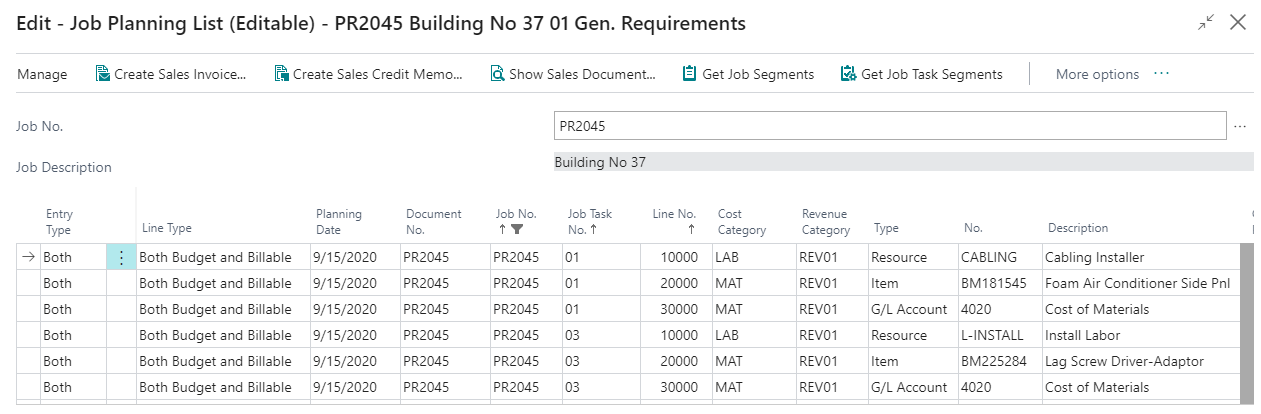
The Job Planning Lines must already exist with entered Revenue Category for them, before you create a progress billing. Note that the “Line Type” transaction must be Billable or Both Budget and Billable to be used by progress billing.
Select Progress Billings from the Process tab on job card to create a progress billing. The progress billing header is where you create the new Progress Billing No. that will be used for progress billing requisitions. The progress billing no. is usually the same as the Job (as per job setup).
The billing items can be entered manually or use the Get Billings to copy all the billing items on to the progress billing line items.
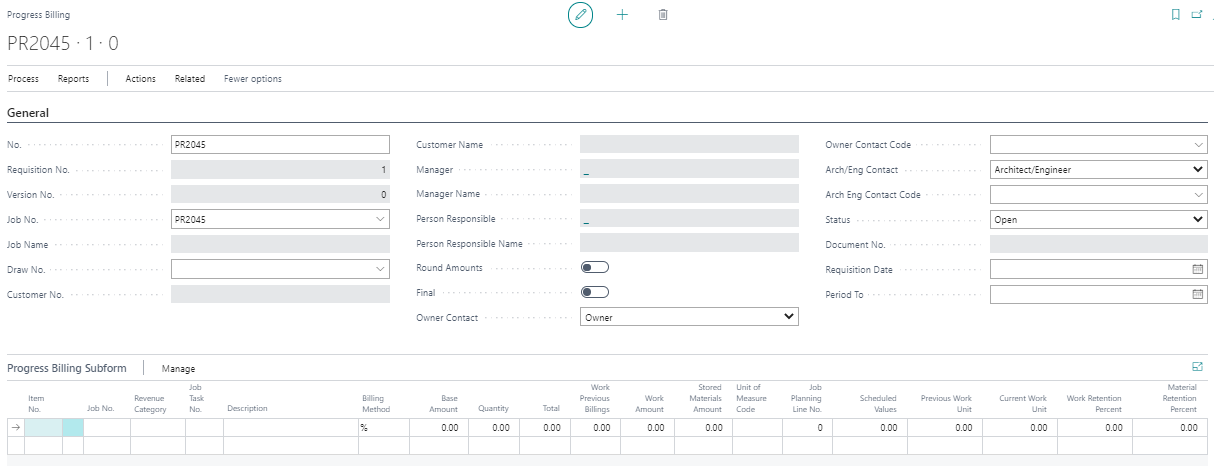
After choosing to get the billings it will look like this. Notice the quantity fields are empty.
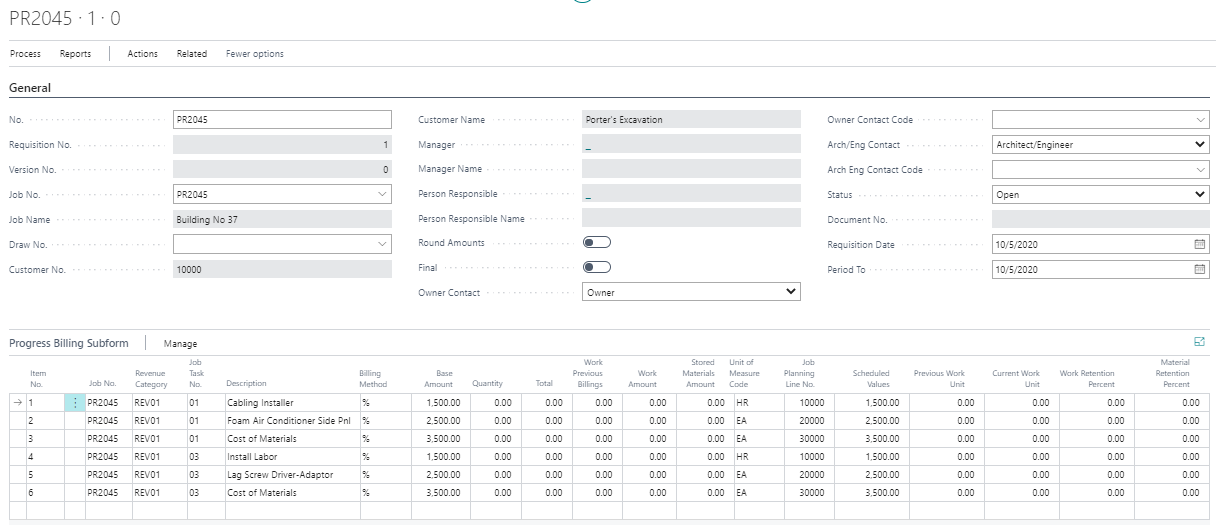
It is necessary to enter the % completion into the quantity field of each line item. In our example, the first revenue item for $1,500.00 contract base amount is 40% complete. This results in a total of $600. See the additional billing line items using either % or units for billing method.

Verify that the retention percentages are correct by selecting Retention Fast Tab at the bottom of the screen. These values are defaulted from the original Job card (defined under Default Retention % field on job info tab). If the retention percentages vary for each line item, then the retention tab must be blank. All line items will then have their own retention percent field.
After entering all the details, print the different forms for progress billing (Progress Invoice, AIA forms). Once done, create the sales document for same and post the invoice for it. Print the final invoice form for the customer.