
Converting Quote To Job
Once you have defined all the parameters of your quote and your quote has been finalized by the customer you convert that quote into a job and all the parameters, job tasks and job planning lines with cost, price & qty. gets transferred to the job.

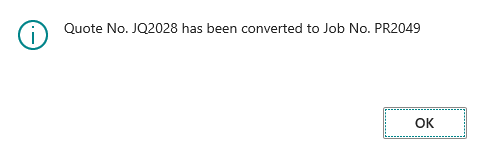
On successful conversion to a job system prompts the message containing the details of the new job created.
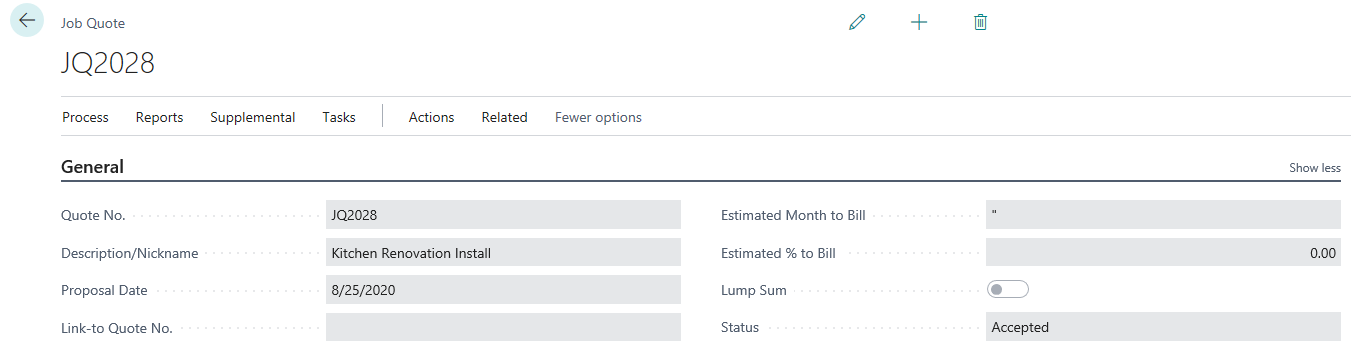
You can check the status of the Quote as well as the job number at the Job tab of the Quote.

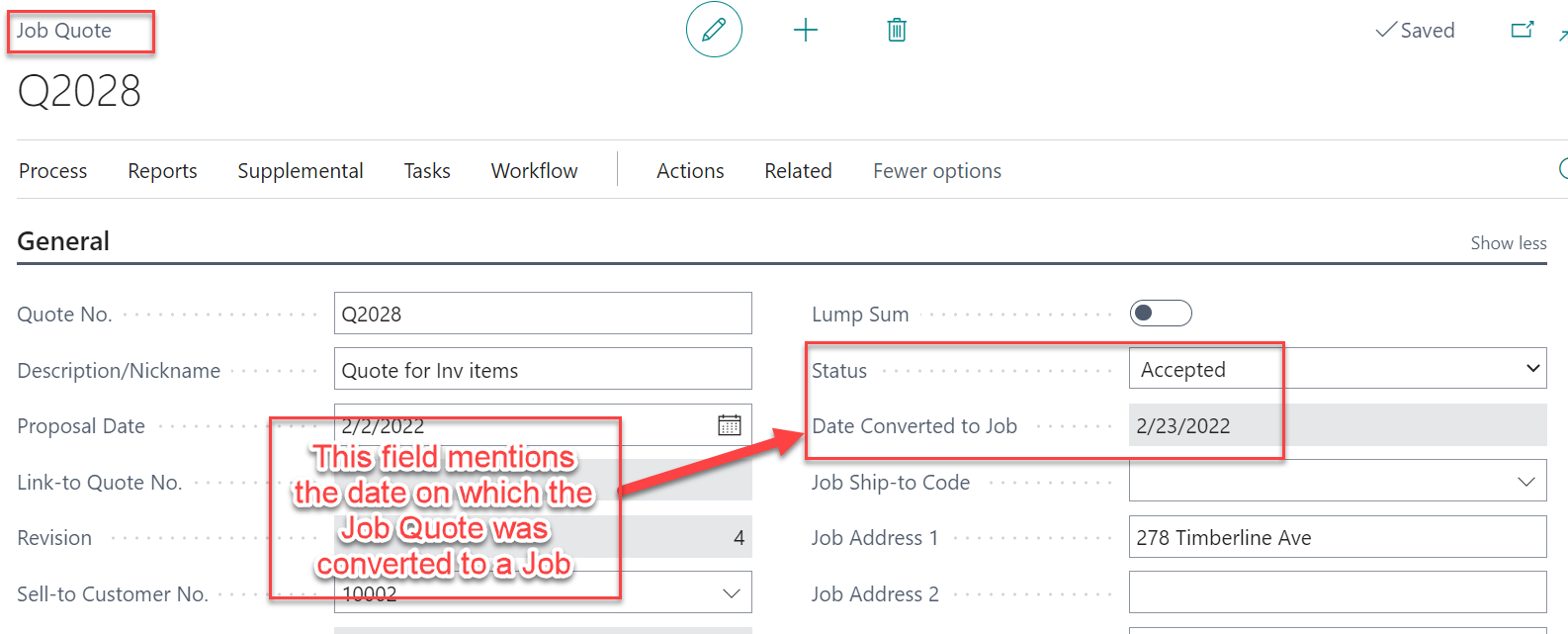
When a Job Quote is converted to a Job then the system captures the date of conversion on the field “Date converted to Job”.
From Job tab at Quote screen you can drill down to your newly created job or you can directly access it from the search option or from Job icon at Role Center page.
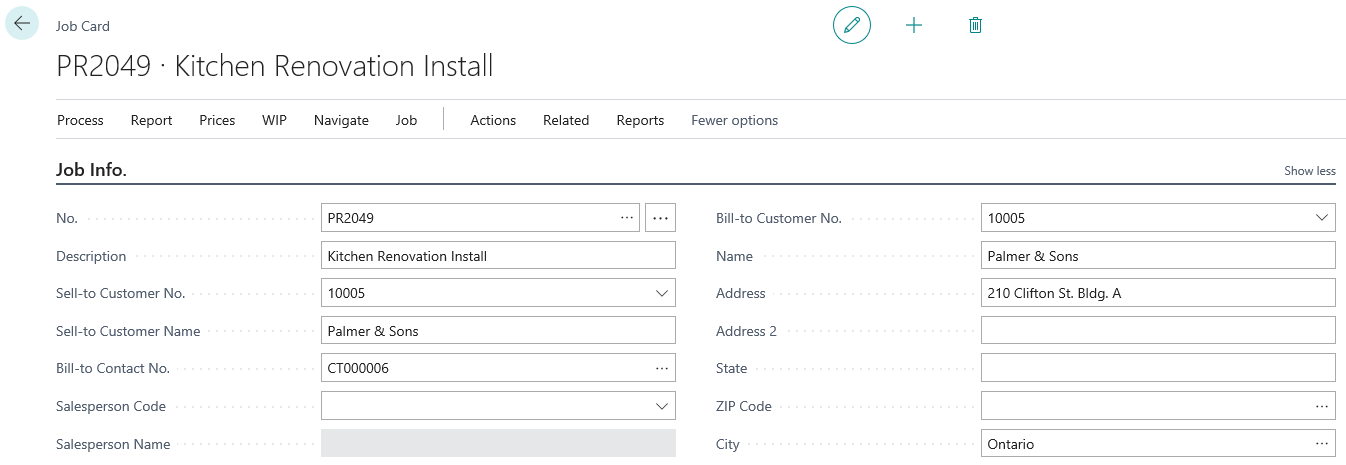
In the Job Card from process tab you can check the Job planning lines, automatically lines get created here from the Quote (segment no.& segment name).The qty., price and cost entered in the Quote would also populate in the job.

The planning lines have been created with segment codes and segment names assigned to them, as set up in the job quote. A billable/contract line was created in the job for the Total Contract Price amount for each segment. These contract lines will be created under the job task code named CONTRACTS.
