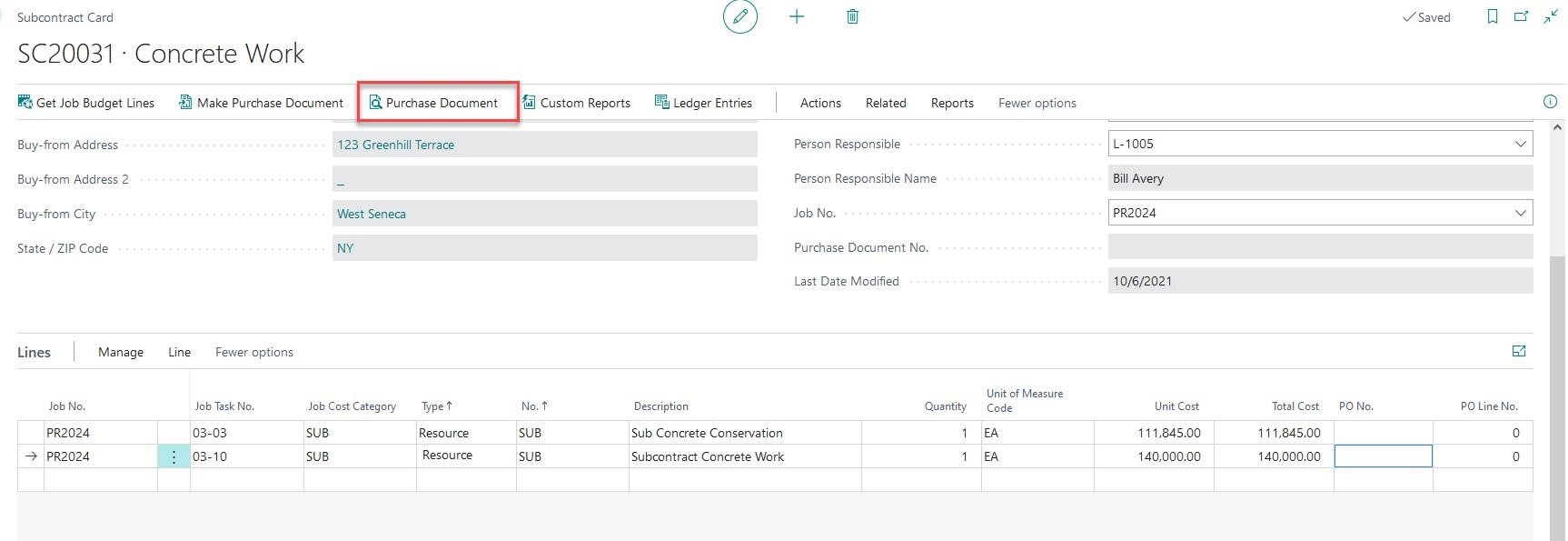
CREATING PURCHASE ORDER/PURCHASE INVOICE FROM THE SUBCONTRACT CARD
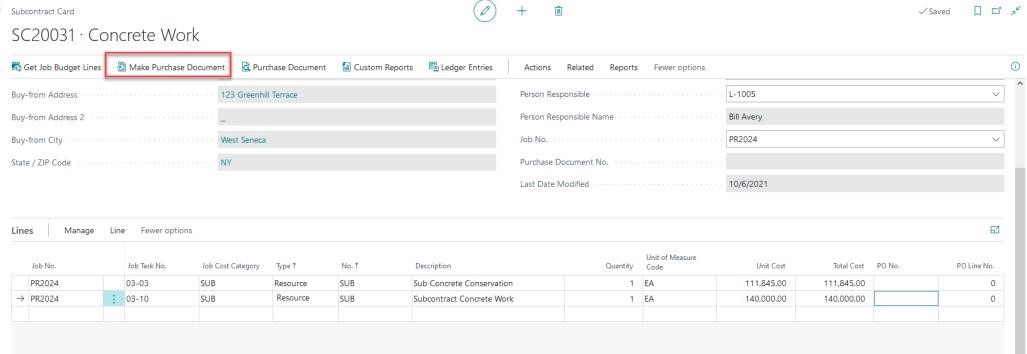
• From the ribbon select “Make Purchase Document”
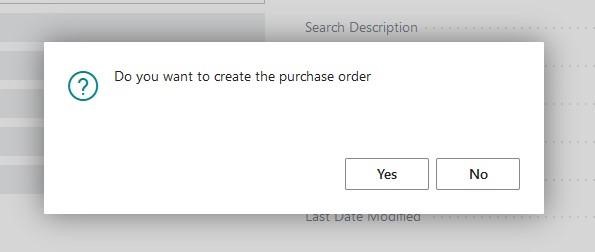
When prompted for confirmation that you are looking to create a Purchase Order, select “Yes”
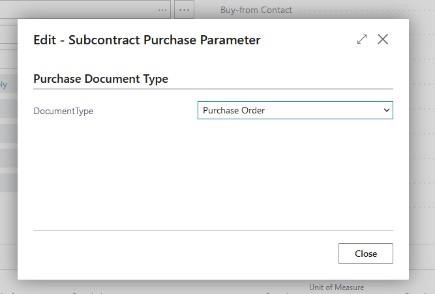
Document Type will default to “Purchase Order”. You can select “Close”
Confirmation of the Purchase Order creation will pop up. From here you can view the Purchase Order or select “no” to close to the prompt.
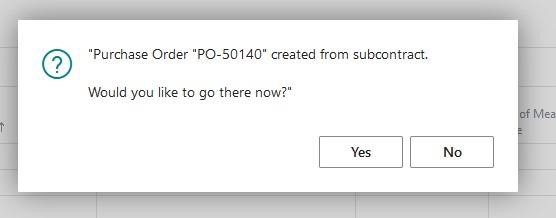
Now that your Purchase Order is created, you can select “Purchase Document” from the ribbon at any time to view and pay the Purchase Order.