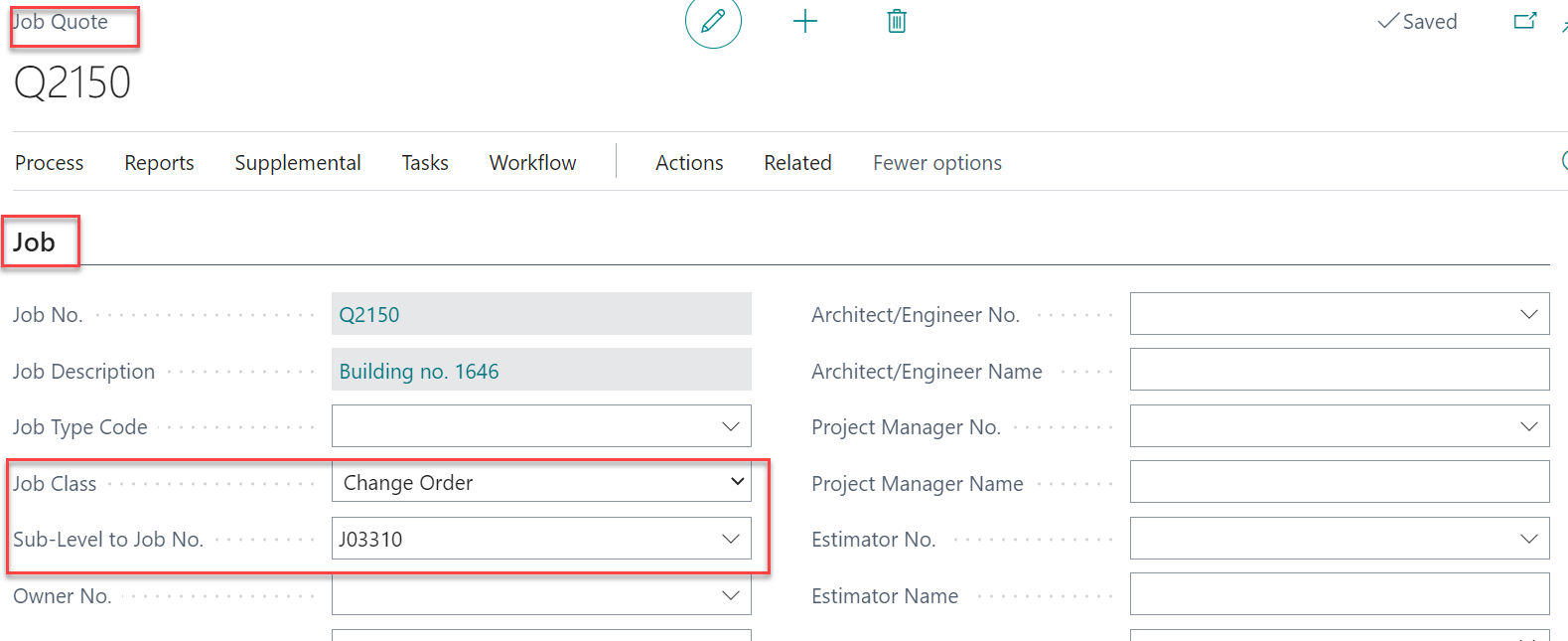
Job Quote Change Order
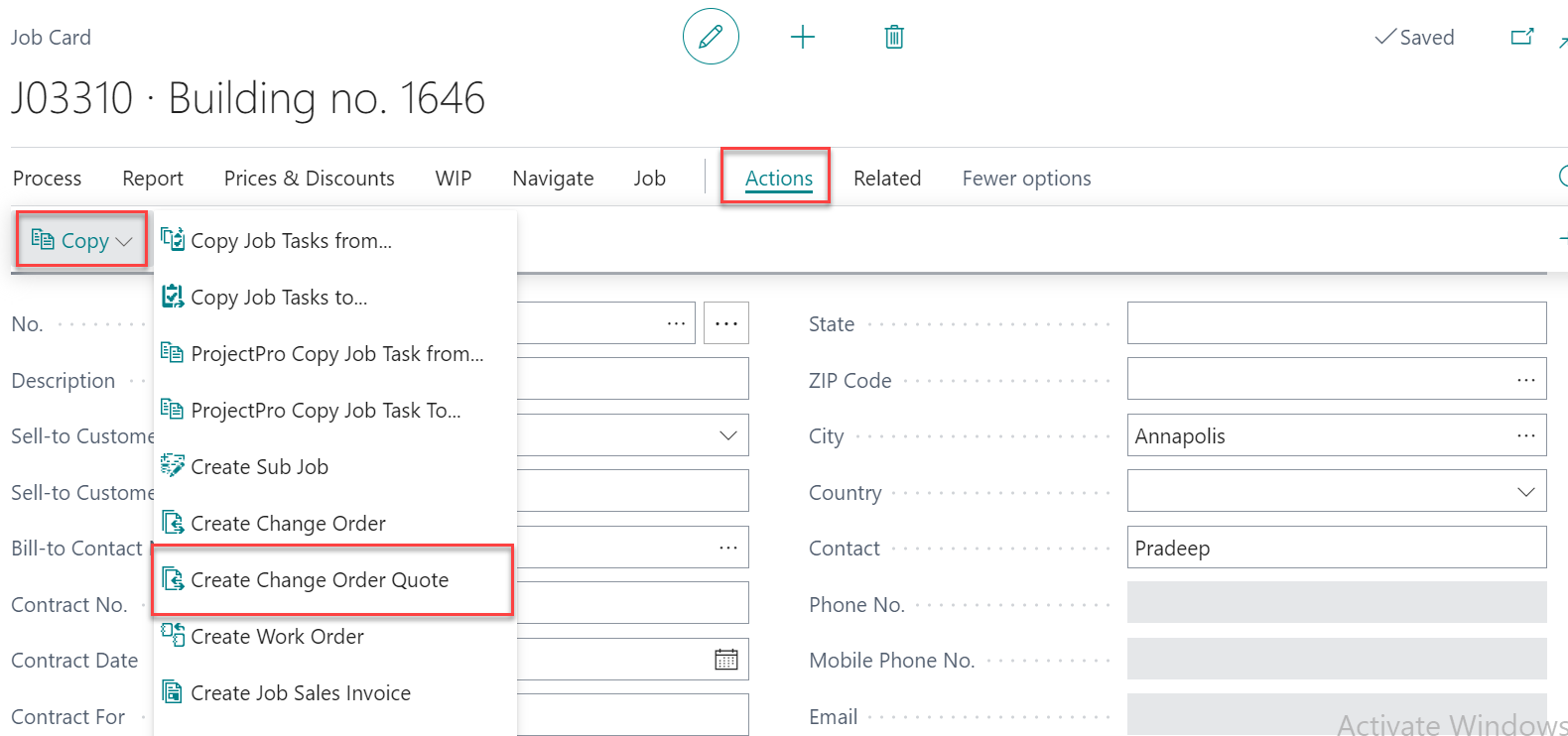
To create a quote for change order in an existing job, click on Actions> Copy > Create Change Order Quote
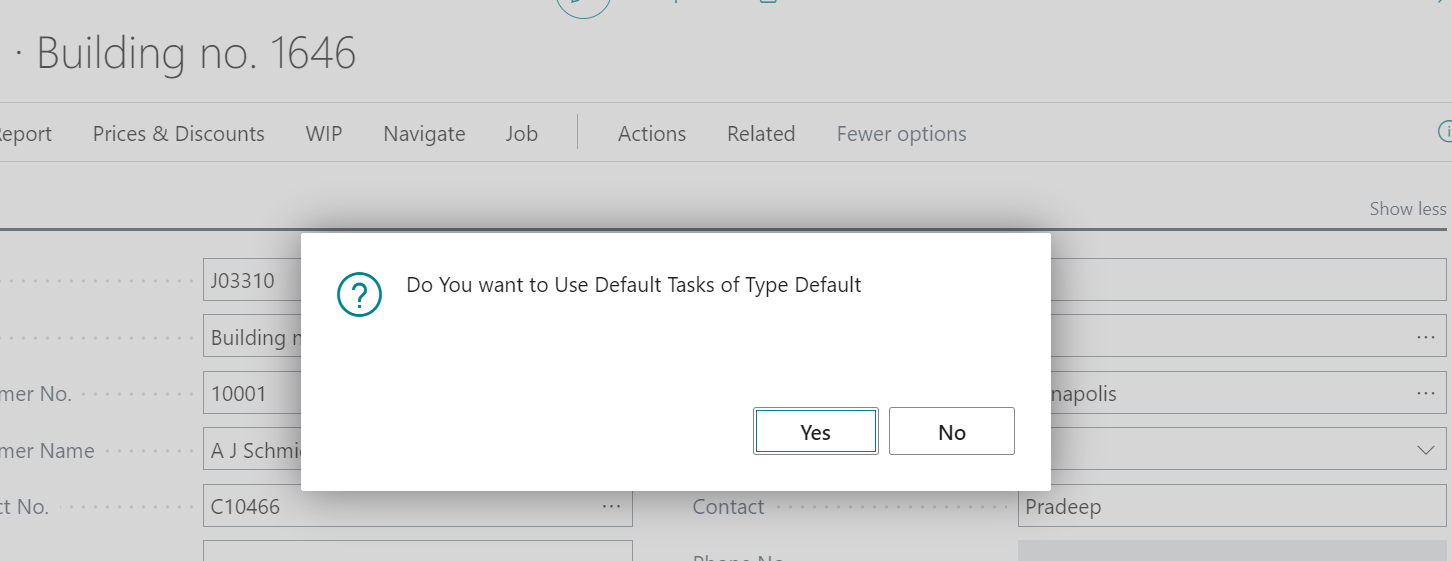
The system will display a message asking if the default tasks need to be taken. Click on “Yes” to take the default tasks
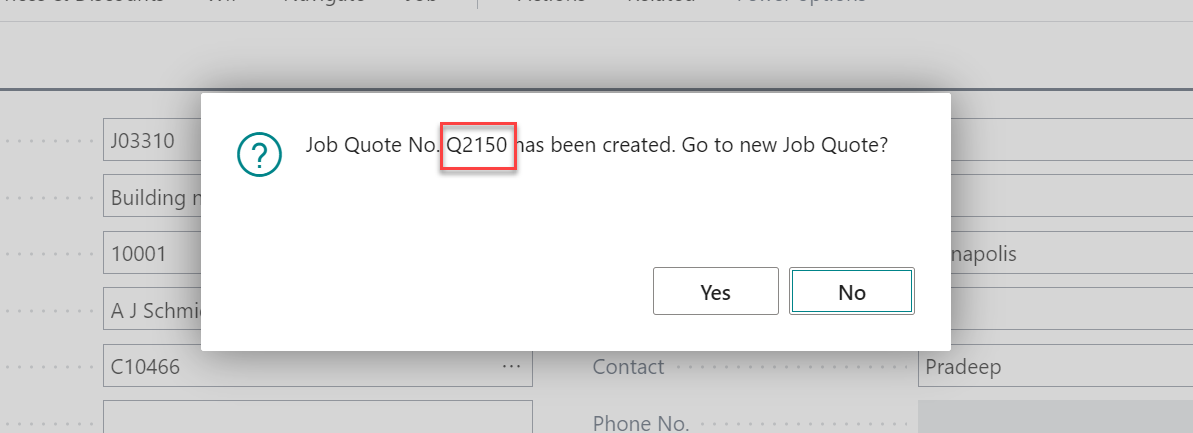
A message will be displayed notifying the user that a new quote has been created.
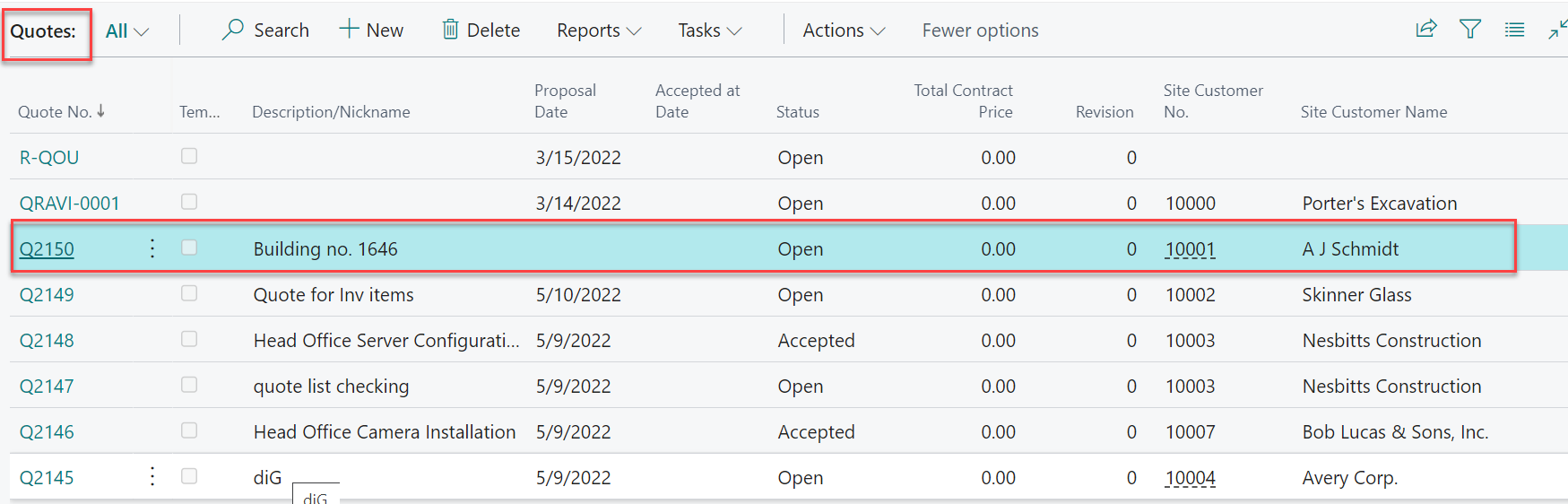
The generated quote can be found on the “Quote List” page.
In the Job quote, under the “Job” tab we can see the Job class and “Sub-Level to Job No.”.