
Unarchive Quote Process
In this process there is a limitation on “Un Archive” a Quote and the process is explained as under.
For “Un Archiving” a “Revision” we have to first create four “Revisions
of a “Quote” and to create a “Revision” we must click on “Action → create New Revision”
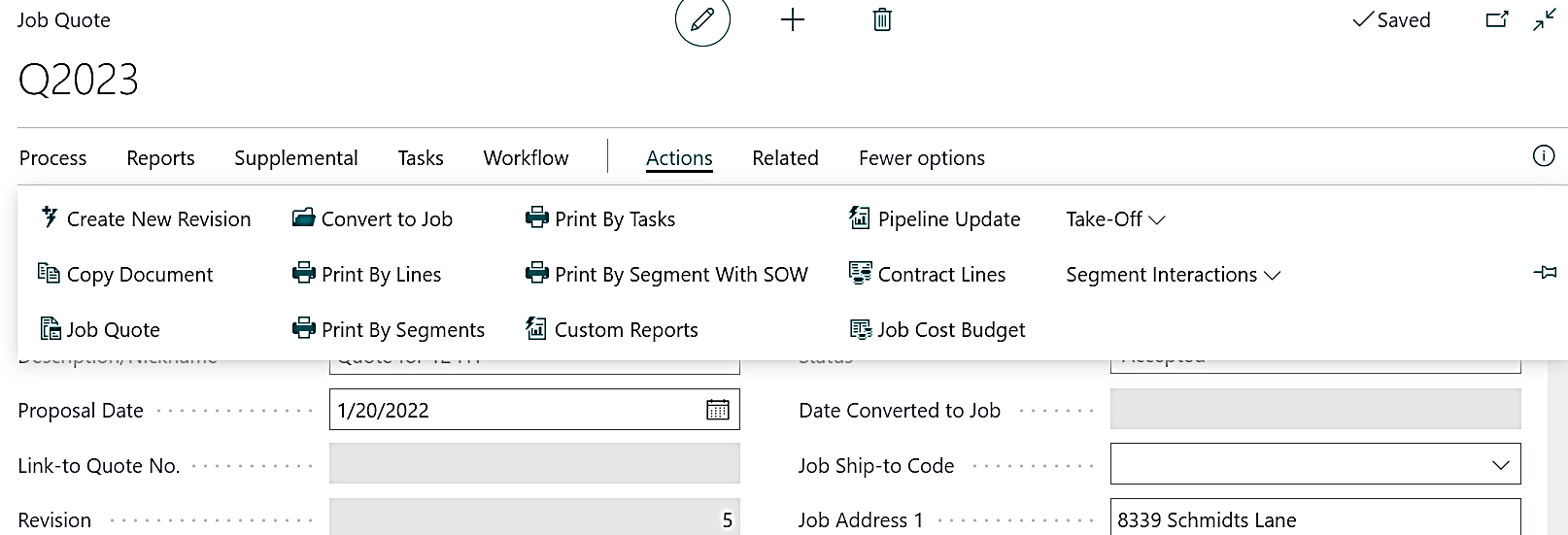
In below screenshot there are four “revisions” of a “Quote” and to view the revisions we need to click on “Related→Quote→Revisions” a list of “Revisions” for that “Quote” will be visible.
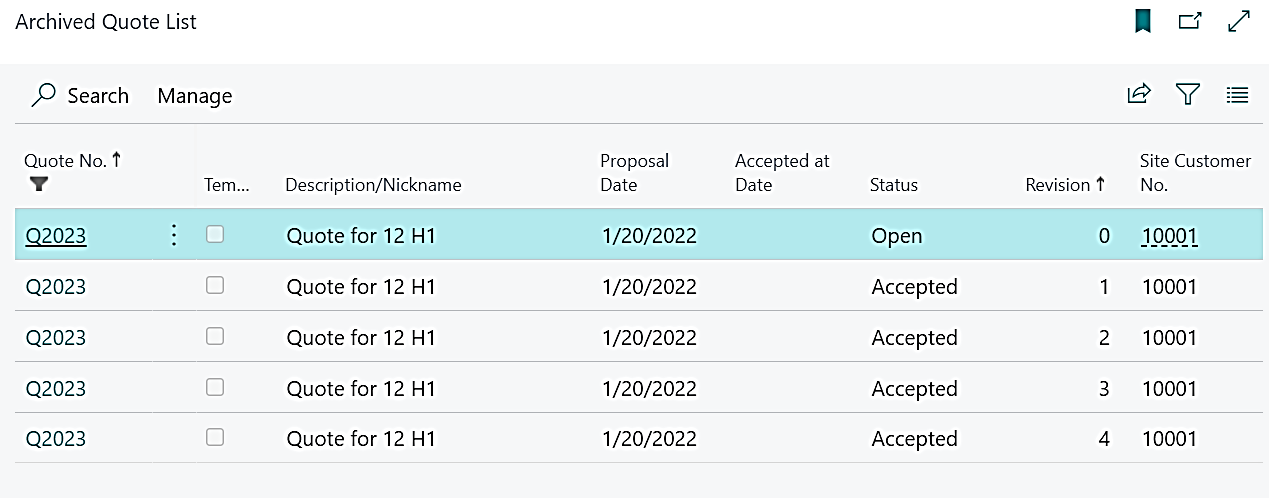
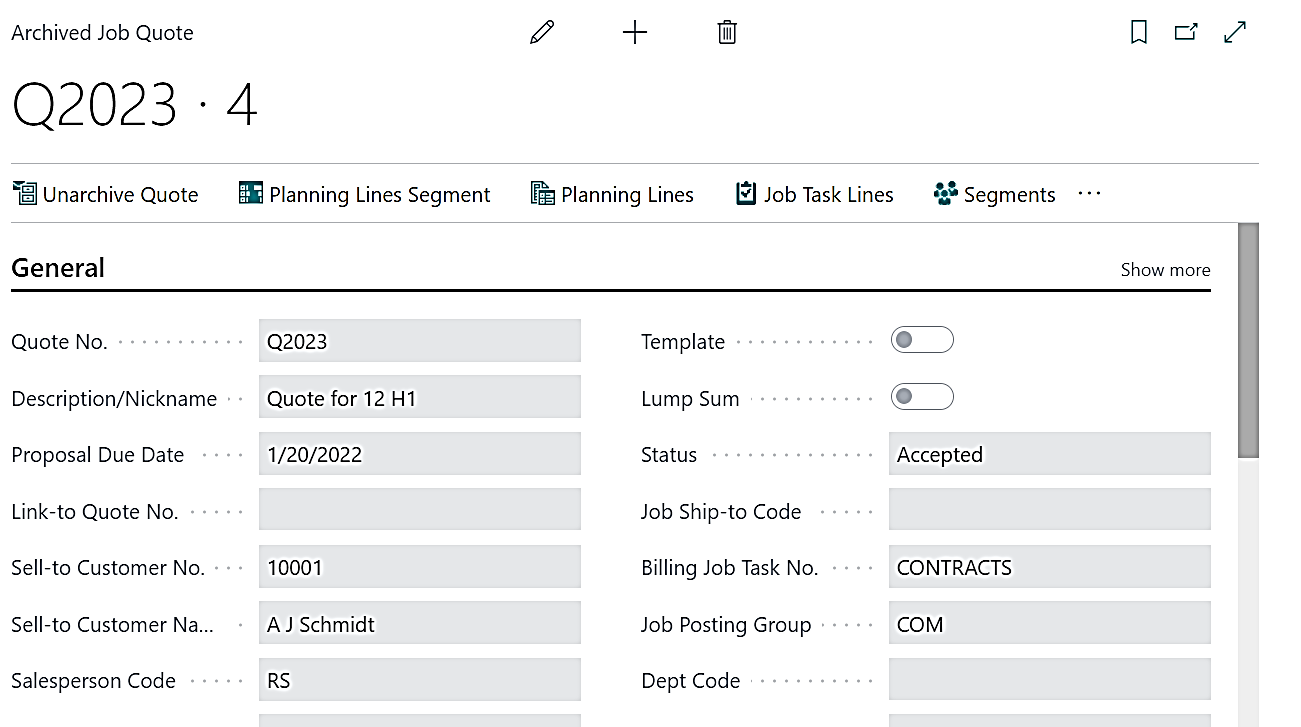
Now we will click on the 4th “Revision” and that “Revision” will be opened, now we will unarchive this revision by clicking on “Unarchive Quote”
Pop up will come asking if we want to “Unarchive” this “Quote”, “Yes” or “No”, and we must click on “Yes” in order to “Unarchive” that.
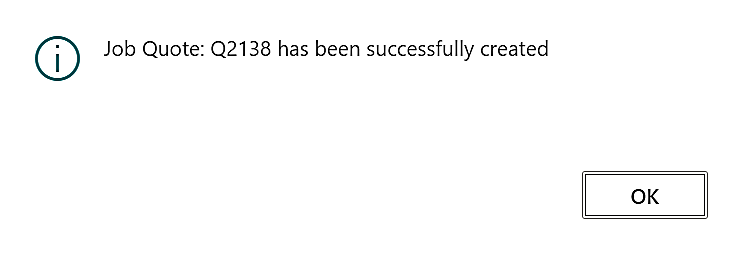
Once we click on “Yes” then a confirmation message will come which confirm that “Job Quote has been successfully created”
Now if we want to Unarchive this 4th revision again then the system will not allow to do so as the Quote can be unarchived only for one time, system will give error message
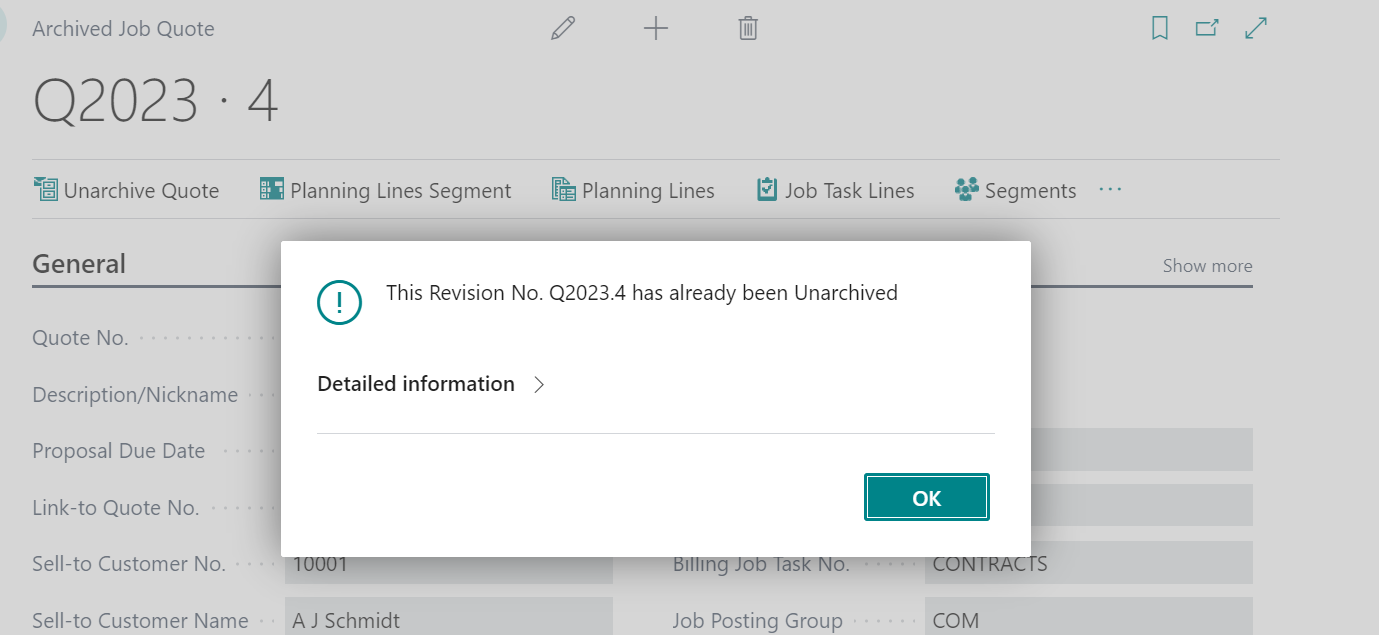
And the Revision Codes, let’s say “Q-2023.4” should be saved in the reference.
This proves that the quote once “Unarchived” cannot be “Unarchived” again as it get “Freeze” on the first time of “Unarchive”.