
Checking Job Journal Entries
This section describes the Test Report option in Job Journal. Click Actions?Posting?Test Report.
The Test Report option simulates a posting and flags common errors that will prevent the entries from posting. Although you are not required to test entries before you post them, using this option will save you some time, especially if you are posting in Business Central for the first time.
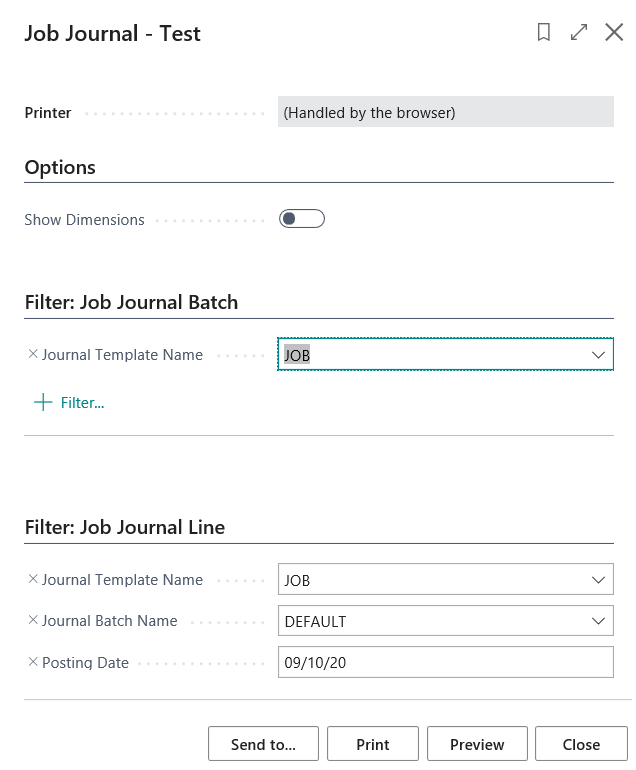
The Test Report option checks entries for the following errors:
- The posting date is outside of the current posting period.
- The Job Number field is blank.
- The Number field is blank.
- The entry in the Date field is a closing date.
- The Job is blocked.
- The Job’s status is not an order.
- The Posting Group field is blank.
- The entry is not a general ledger account entry.
Before You Begin
- Make sure you have made all the necessary journal entries.
- Make sure your general ledger accounts are set up correctly.
- Make sure you have set up all the correct Jobs and their posting groups.
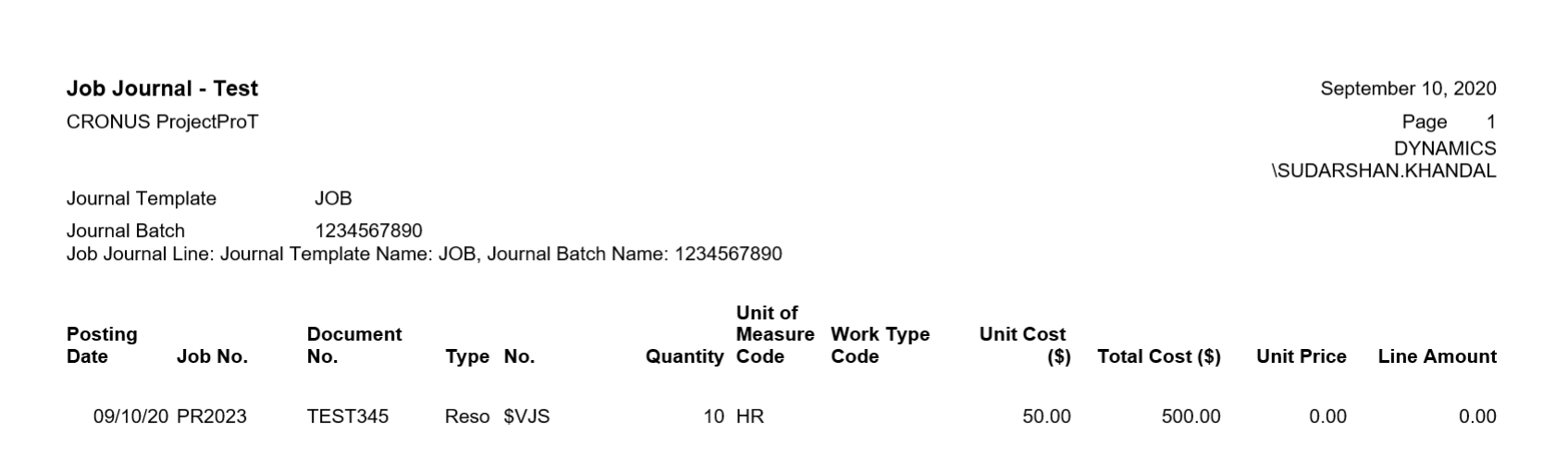
When you have successfully tested your entries, you are ready to post them and print the posting report.