
Activities / Processes / Operations Setup
Click on Search and select the second option as “Activities” under administration
The JobActivities window appears, as below. The Job activity/process/operation codes can now be entered. The window displays a list of all the valid codes that have been created. From the ribbon you can create Processes and subsequent Operations link with that activity.
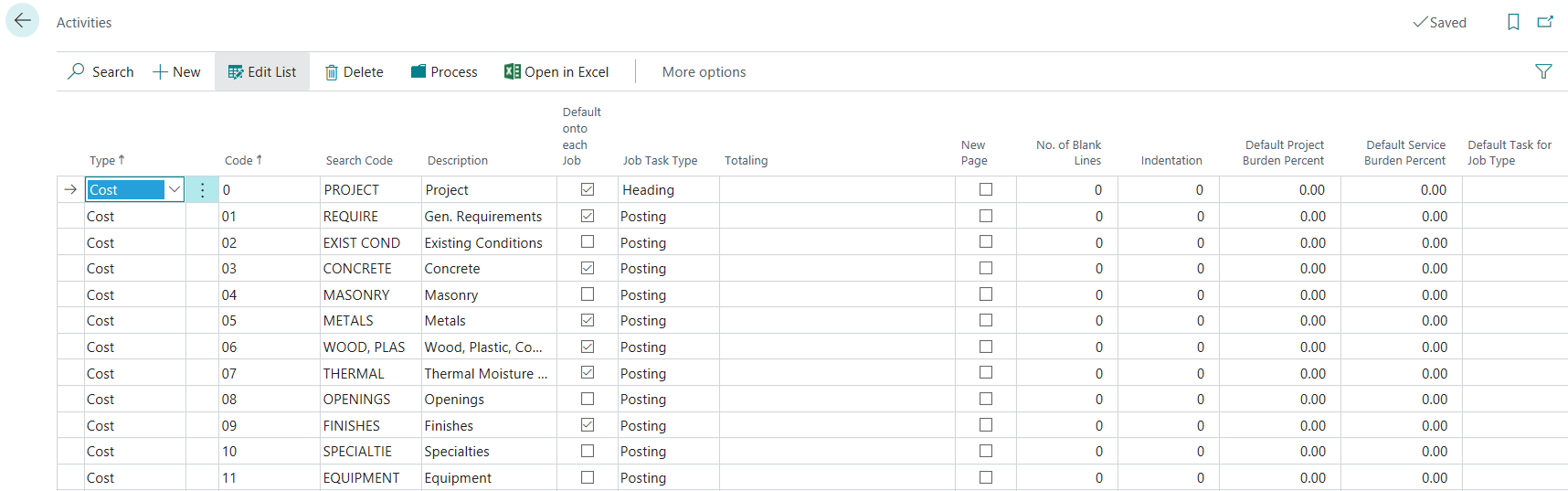
By selecting the Processoption, you may enter the Process Code level. When you select the Processoption then the Operationoption is available to create a Job structure at the Operation Level.