Reprinting Lien Release Waivers
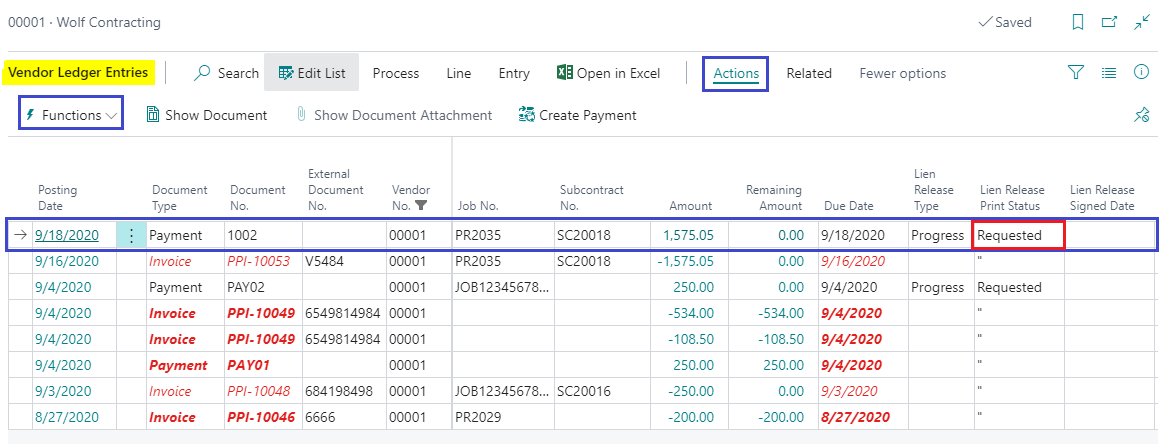
In order to reprint a lien release waiver, you must go to the Vendor Card and select Vendor? Ledger Entries. On the payment entry line change the Lien Release Print Status field to “Requested” instead of “Printed”. Then click Actions? Functions? Print Lien Release.
There is also the field in the subcontractor’s Vendor Ledger Entry to indicate when the Lien Release Signed Date occurred. This is only if you wish to record the subcontractor’s signature of each particular Lien Release for tracking.