Ch 02 – ProjectPro License Activation
Contents
| INTRODUCTION |
| PROJECTPRO LICENSE DETAIL |
INTRODUCTION
The process for activating the ProjectPro License is the same in all cases. This includes creating a new environment, copying Production environment to Sandbox and vice versa.
PROJECTPRO LICENSE DETAIL
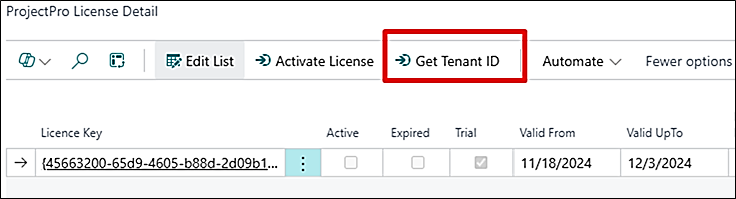
When a ProjectPro application/extension is installed/downloaded from the Microsoft AppSource, it is updated as the “Trial” version by default with 15 days of validity.
To map this with the purchased license you must open the ProjectPro License Detail page.
Click on the “Get Tenant ID” which will auto-send an email to the ProjectPro Licensing department that maps your data with the purchased license.
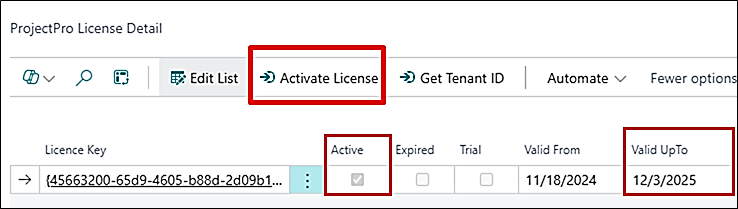
Next, you must click on “Activate License” from the same page. This will update your license details with your actual valid dates and update the version as “Active” from “Trial”.