ProjectPro vs. QuickBooks Enterprise: Choosing the Right System for Growing Contractors
Your controller closes the month. QuickBooks balances to the penny, and the job cost report shows your largest project is on budget.
Then the project manager walks in with a different number. His forecast includes two change orders still waiting for approval, a revised cost-to-complete on the steel package, and an expected overrun nobody has committed yet. The job isn’t on budget. It’s heading toward a loss.
QuickBooks didn’t fail. It reported what it was designed to report. The PM’s forecast simply lives somewhere else.
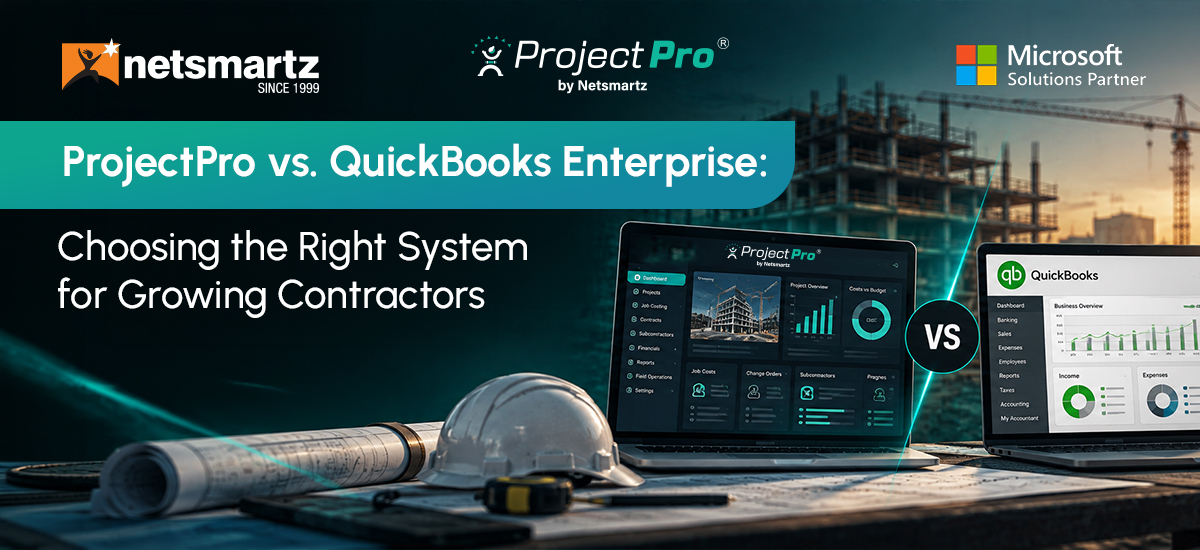
That’s the real choice behind ProjectPro vs QuickBooks Enterprise. It isn’t about which system has more features. It’s whether project teams need to report on job costs or manage the project and its financial impact in the same operating environment.
Short answer: QuickBooks Enterprise is a capable choice for construction accounting and job costing. ProjectPro is built for contractors that need the project itself to sit at the center of costing, forecasting, billing, and financial management.
The Real Difference: Reporting the Job vs. Running the Job
QuickBooks Enterprise is built around accounting and business management, with construction-specific tools for job costing, estimates, change orders, committed costs and WIP.
ProjectPro, built on Microsoft Dynamics 365 Business Central, takes a construction ERP approach where project operations and financial management are connected.
At Netsmartz, we call the gap between a project change and when its financial impact becomes visible cost lag. As project complexity increases, that gap can make it harder for leadership to act on current information.
When is QuickBooks Enterprise Still the Right Choice?
QuickBooks Enterprise can be a strong fit for contractors that want accounting, construction job costing, and business management in a familiar platform. Its Contractor Edition supports:
- Job costing & profitability
- Estimates & cost-to-complete reporting
- Change orders & committed costs
- WIP & contractor reporting
- Time tracking, budgeting & forecasting
- Multi-company & intercompany management
For contractors with manageable project complexity and an accounting-led operating model, that may be enough.
As complexity grows, the question changes. Intuit also positions Enterprise Suite as an ERP option for multi-entity organizations with more advanced project costing needs in construction and services. The issue isn’t a revenue threshold. It’s whether the operating model still works as the business grows.
What Are the Signs You’ve Outgrown an Accounting-First Approach?
1. Two Versions of Job Cost
Finance has one number.
Project teams have another forecast.
Result: More reconciliation, less confidence.
2. Changes Reach Finance Late
Subcontract changes, commitments and change orders happen first.
Financial visibility comes later.
Result: Decisions are based on outdated project data.
3. Reconciliation Is Growing with the Business
More projects mean more spreadsheets, POs, reports and manual matching.
Result: Growth creates more administrative work.
When project complexity grows faster than financial visibility, it may be time to rethink the operating model.
What Changes with ProjectPro?
ProjectPro, an AI-powered construction management software, brings project operations and financial management into the same ERP environment, built on Microsoft Dynamics 365 Business Central.

ProjectPro supports:
- Job Costing & Cost Control: Track job costs, budgets, commitments and project profitability.
- Project Forecasting: Manage project forecasts, including remaining costs and expected project outcomes.
- WIP & Revenue Recognition: Support percentage-of-completion accounting and revenue recognition.
- Progress Billing: Support construction billing workflows, including AIA G702 and G703.
- Retention & Holdbacks: Track retention within project billing and financial workflows.
- Change Orders: Connect project changes with their financial impact.
- Subcontract Management: Manage subcontract commitments and related project workflows.
- Procurement & Material Planning: Connect purchasing activities with project requirements.
- Labor & Equipment: Track project resources, timesheets, and related costs.
- Payroll Integration & Reconciliation: Connect project labor information with payroll processes.
See how an industrial insulation contractor used ProjectPro to automate AIA progress billing, improve job-cost visibility, and accelerate cash flow.
ProjectPro vs QuickBooks Enterprise: At a Glance
| Decision area | QuickBooks Enterprise | ProjectPro |
|---|---|---|
| Core focus | Accounting-led business management with construction job costing | Construction ERP built around project and financial operations |
| Where the forecast lives | Within financial planning and job-costing workflows | Within the project and financial workflow |
| Who works in the system | Finance, accounting and project teams using construction-specific tools | Finance, project management, operations, procurement and other project teams |
| How changes reach finance | Depends on how project teams capture and update changes | Project activity and financial processes are connected within the ERP |
| Growth fit | Strong fit when project complexity remains manageable | Strong fit when project complexity and financial coordination increase |
An Illustrative Example: A Mechanical Contractor Growing From $15M to $40M
Consider a mechanical contractor that has grown from $15 million to $40 million in annual revenue.
At $15 million, the company may have been able to manage project forecasts through QuickBooks, spreadsheets, and a few specialized tools. Finance could reconcile the numbers at month-end without creating much disruption.
At $40 million, there are more active jobs, more subcontractors, more purchasing activities, and more changes moving through the business.
Now imagine a $250,000 subcontract change that the PM knows about on Monday, but finance does not see reflected in the project forecast until the following month. During those weeks, leadership may approve spending, review project margins, or make cash decisions using information that is already outdated. That’s where the cost lag becomes expensive.
The problem isn’t $250,000. It’s the decisions made while that $250,000 is missing from the financial picture.
A construction ERP can shorten that gap by connecting the project event with the financial workflow.
How Should Contractors Decide Between ProjectPro and QuickBooks Enterprise?
Don’t start with the software. Start by measuring the cost of your current process.
Look at four numbers:
Days: How long does it take for a project change to reach finance?
Dollars: How much committed or forecasted cost sits outside the financial system at any given time?
Hours: How many hours does finance spend each month reconciling project information?
Margin exposure: How much expected project margin can change before leadership sees it?
Then consider your growth plan. If the number of projects, subcontractors, entities, or operational teams is expected to increase significantly, ask whether the current process can scale without adding another layer of spreadsheets and reconciliation.
The Netsmartz Recommendation
At Netsmartz, we don’t recommend moving to a construction ERP simply because a contractor has reached an arbitrary revenue threshold.
We recommend looking at where project complexity is creating financial blind spots.
If QuickBooks Enterprise gives your teams the visibility and control they need, staying with it can be the right decision.
If project teams are managing critical cost and forecast information outside the financial workflow, and finance is spending increasing time reconciling that information, it is worth evaluating a construction ERP such as ProjectPro.
The goal is not to replace a system because it is familiar. It is to make sure the system still matches the way the business operates.
Ready to See Where Cost Lag is Affecting Your Projects?
Talk with a Netsmartz construction ERP specialist to map your current job-costing process, identify where project information is reaching finance late, and determine whether your current system can support the next stage of growth.
FAQs
Yes. Most contractors migrate master data, open jobs, balances, and a defined period of transaction history. Older history can often be archived, so it remains accessible without adding unnecessary data to the new system. Netsmartz can review your QuickBooks company files and recommend what to migrate, archive, or rebuild.
It depends on the number of companies, active projects, integrations, and the amount of process change involved. Netsmartz can assess your current environment and build a migration timeline around your project and financial requirements.
Some workflows may change. Forecasts, change orders, and commitments that PMs manage in spreadsheets today can move into the same system finance uses. Netsmartz can map your current PM workflows and show how they would work in ProjectPro.
ProjectPro is built on Microsoft Dynamics 365 Business Central and can connect with payroll, procurement, field, tax, and other business systems. Netsmartz can review your current integrations and determine what should be connected, replaced, or retained.
Start by measuring how long project changes take to reach finance and how much time your team spends on reconciliation. Netsmartz’s Cost Lag Assessment can evaluate these gaps across your active projects and help determine whether staying with QuickBooks or moving to ProjectPro makes more sense.